Contact Saver for WhatsApp
Save time by exporting contact information available to you in WhatsApp chats, groups, or labels. Organize authorized contact data in convenient CSV, XLSX, or vCard files.
Start for freeNo credit-card required
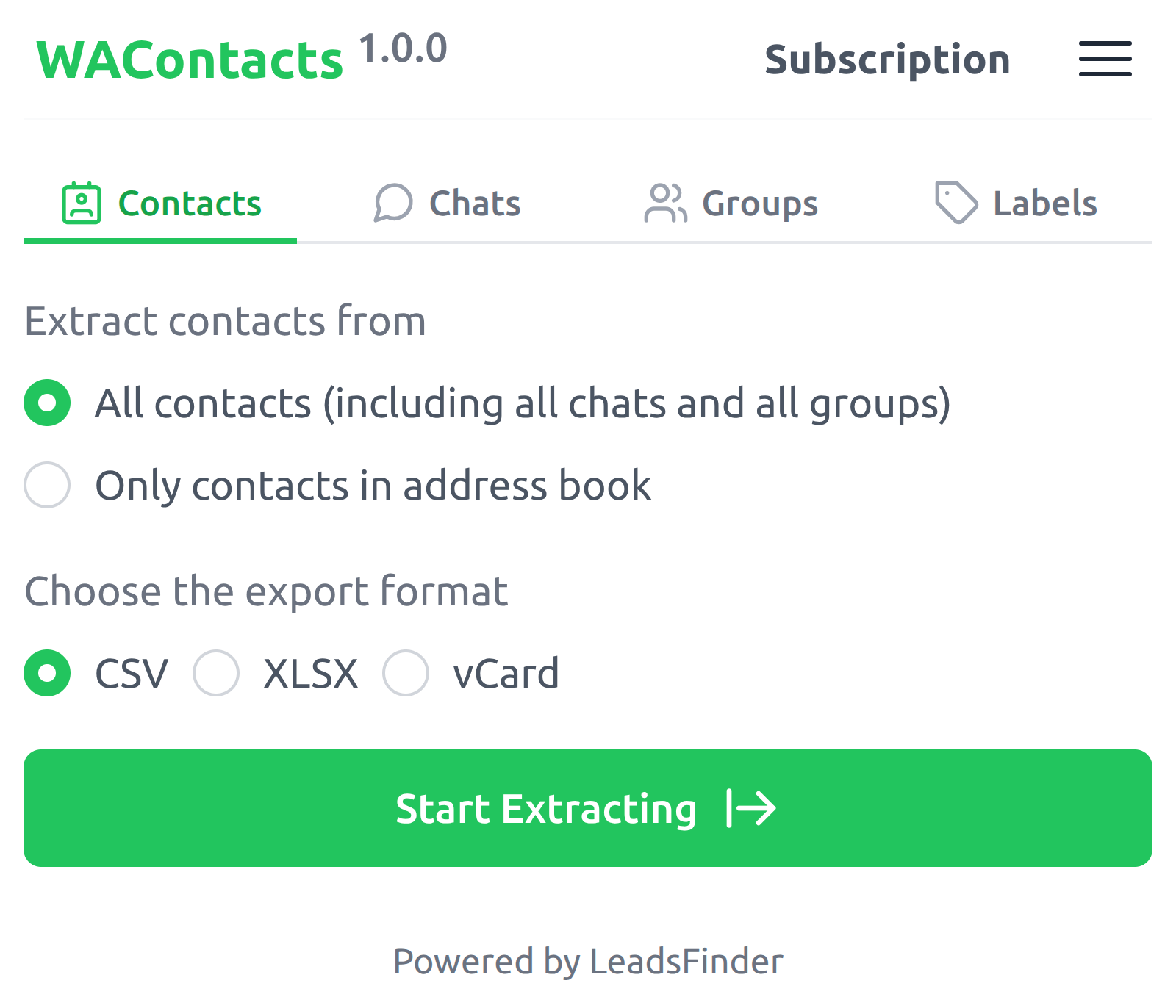
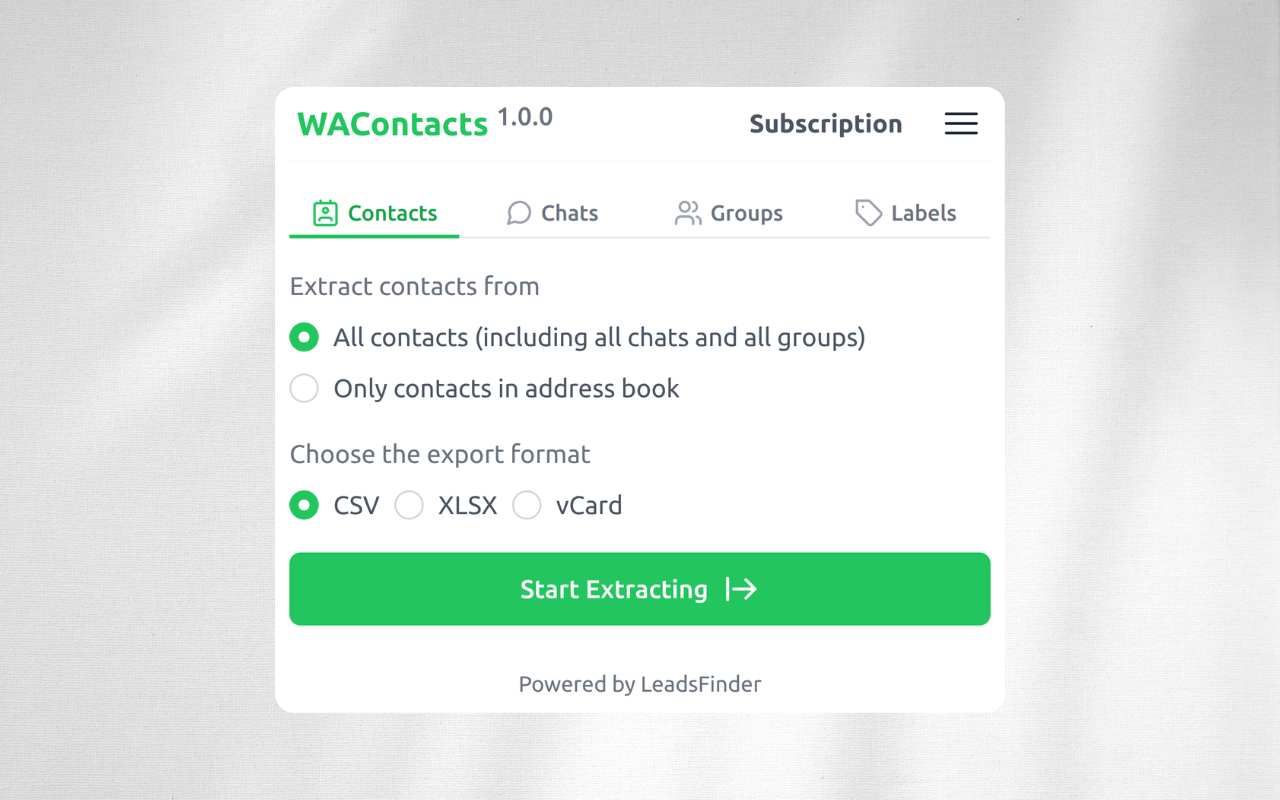
Export WhatsApp Contacts
Choose the contacts available to you, then export supported information into a convenient CSV, XLSX, or vCard file.
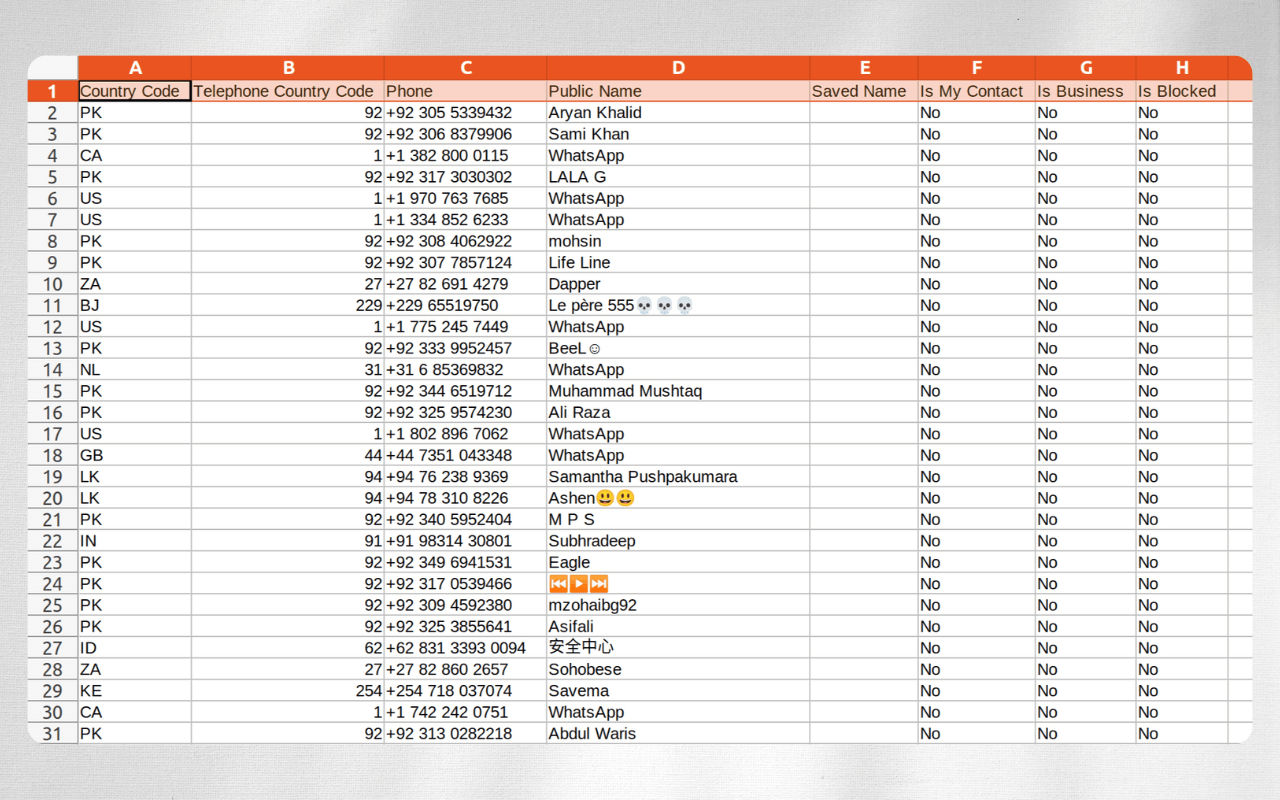
What type of data can you export via our WhatsApp Contacts Exporter
The following table lists all supported data fields.
| Field Name | Description |
|---|---|
| Country Code | The country code of the contact |
| Telephone Country Code | The international dialing code for the contact |
| Phone | The phone number of the contact |
| Public Name | The public name of the contact |
| Saved Name | The local saved name of the contact |
| Is My Contact | Whether the contact is in your contact list |
| Is Business | Whether the contact is a business account |
| Is Blocked | Whether the contact is blocked by you |
| Last Message Time (Chats only) | The time of the last message with the contact |
| Unread Message Count (Chats only) | The number of unread messages from the contact |
| Is Spam (Chats only) | Whether the contact is marked as spam |
| Is Admin (Groups only) | Whether the contact is an admin |
| Group Name (Groups only) | The group the contact belongs to |
| Label (Labels only) | The label of the contact |
Start for free today
Sign up for a free plan today and start exporting WhatsApp contacts!
Pricing
Start for free, stay for the value.
Monthly
Yearly
Free
$0
Get started for free
- Export up to 10 contacts at a time
- Export contacts from chats, groups, or labels
- Export results as CSV / XLSX / vCard
Pro
$9/month
Maximize your results with the Pro Plan
- Export more available contacts at a time, subject to source availability
- Export contacts from chats, groups, or labels
- Export results as CSV / XLSX / vCard
Frequently asked questions
Feel free to contact us if you have any other questions.
What is WAContacts?
WAContacts is a contact export tool that helps you organize contact information available to you in WhatsApp chats, groups, or labels. Only export and use information you are authorized to access.What formats does WAContacts export?
WAContacts can export contacts in CSV, XLSX, and vCard formats, which can be easily imported into your phone’s contacts or other contact management systems.
How to use WAContacts?
Install the extension, then open or refresh WhatsApp Web. Click the extension icon and sign in (first-time users only). Choose an option and click "Start Extracting".Why does the tool say it cannot find the WhatsApp Web tab even though it is open?
This usually happens the first time the extension is installed or updated. Just refresh WhatsApp Web, and it will work.
How to upgrade my plan?
To upgrade your plan, please note that the process currently requires manual intervention from our side. To initiate the upgrade, kindly reach out to our support team and provide them with the details of your desired plan. They will assist you in upgrading to the plan that best fits your needs.Can I cancel my subscription?
You can cancel your subscription at any time through your extension's subscription page. Once canceled, you will retain access to the subscription until the end of your billing cycle.